
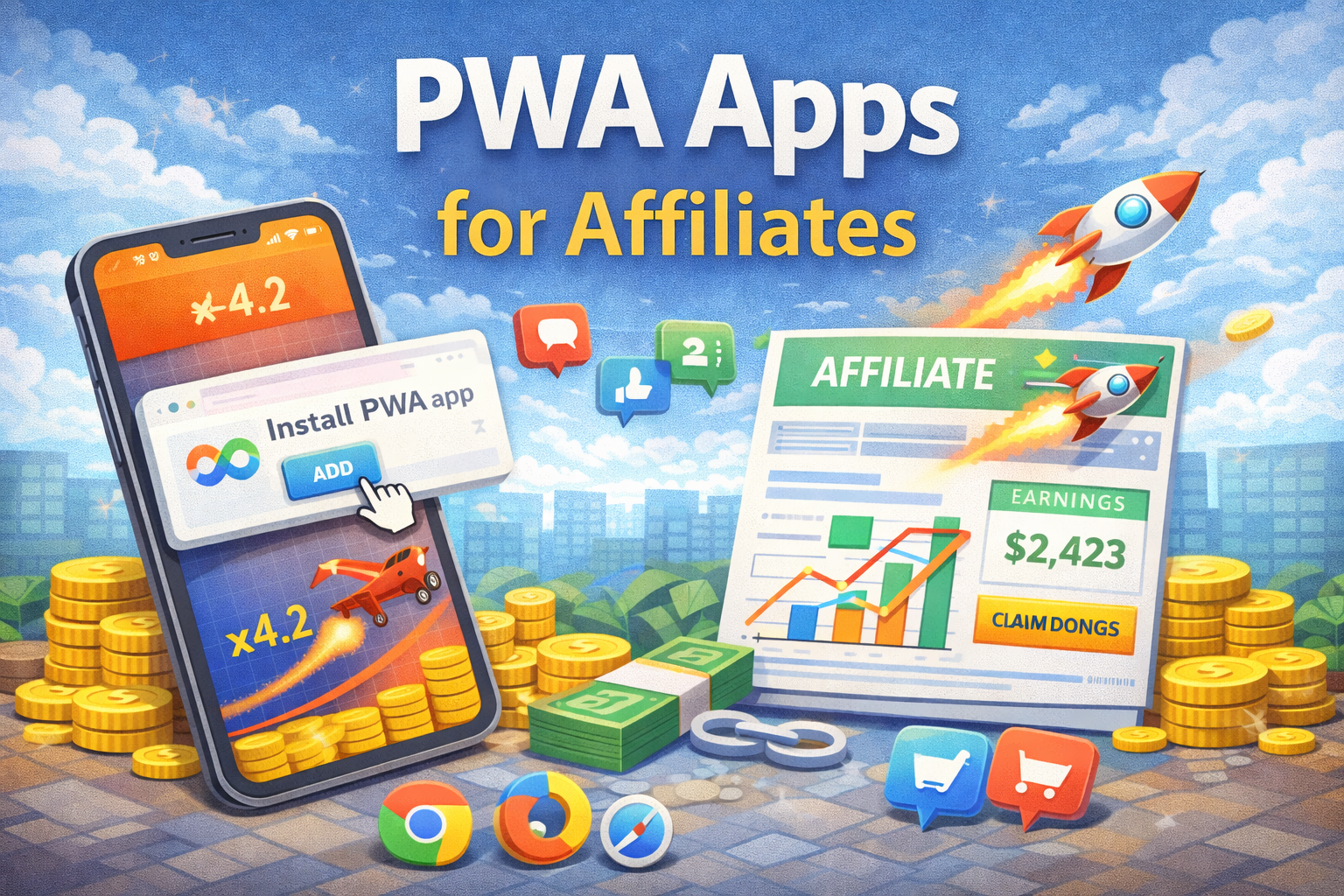
The mobile traffic share in gambling and betting has crossed 80% in most Tier-2 and Tier-3 GEOs. Yet the two gatekeepers that control mobile installs — Apple App Store and Google Play — have made running iGaming offers close to impossible. Approvals take weeks, accounts get banned, and even white-label casino apps rarely survive more than a few months.
This is exactly why Progressive Web Apps (PWAs) have become the default solution for affiliates in 2026. They look and feel like native apps, they install with one tap, they send push notifications — and they never go through an app store review. If you’re in gambling, betting, dating, or crypto verticals, understanding how to buy a PWA app and run traffic to it is no longer optional.
This guide covers everything: what a PWA is, what to look for when buying one, and how to run profitable traffic from every major paid source.

PWA vs App Store: How Each Path Reaches the User
What Is a PWA App and Why Affiliates Are Switching to It
A Progressive Web App is a website built with modern browser APIs that behaves like a native mobile application. When a user visits a PWA on their smartphone, they’re prompted to ‘Add to Home Screen.’ One tap later, an icon appears on their phone — indistinguishable from any other app icon. No App Store. No download. No review process.
From the user’s perspective, it’s an app. It opens fullscreen without browser chrome, it works offline or in poor network conditions, and it can send push notifications just like Instagram or WhatsApp. From the affiliate’s perspective, it’s a URL — hosted on any server, updated instantly, duplicated for any new GEO in hours.
Why PWAs Took Over Affiliate Marketing
- App Store and Play Store both prohibit real-money gambling apps in most countries. PWAs bypass this completely — there’s no review, no policy violation, no ban risk from Apple or Google.
- Deployment speed is unmatched. A new offer, a new GEO, a new creative direction? A PWA update goes live immediately, no waiting for store approval that may never come.
- Push notifications are the hidden superpower. After a user installs a PWA, you can send unlimited push messages directly to their lock screen. This is free retargeting that no landing page can replicate.
- Install-to-registration conversion rates for PWAs consistently outperform mobile web landing pages by 15–30% across tested GEOs, according to affiliate network benchmarks from Q1 2025.
PWA vs Native App vs Mobile Landing Page
Before committing to a PWA strategy, it helps to understand exactly where it sits relative to the alternatives. Here’s an honest comparison:
| Feature | PWA | Native App (APK) | iOS App | Mobile Landing |
| App Store review | None required | None (sideload) | Required (strict) | None required |
| Deploy / update speed | Minutes | Hours | Days to weeks | Minutes |
| Push notifications | Yes | Yes | Yes (iOS 16.4+) | No |
| Home screen icon | Yes | Yes | Yes | No |
| Ban risk from stores | Zero | Low (sideload) | High | Zero |
| Average build cost | $200–800 | $1,500–5,000 | $3,000–10,000+ | $50–300 |
| GEO duplication | Hours | 1–2 days | Not viable | Hours |
| Cloak compatibility | Full | Partial | Limited | Full |

Conversion Funnel Comparison: PWA vs Native App vs Mobile Landing Page
When to Choose Each Option
PWA is the right default for most affiliates running gambling and betting offers in Tier-2/3 GEOs. Native APKs still have a place for high-volume operations that need deeper device integration or specific Android features. iOS native apps are only viable for operations with dedicated Apple developer accounts and a white-label offer that can pass review. Mobile landing pages work for testing, but kill conversion at scale.
Key Features a PWA App Must Have for Arbitrage
Not all PWAs are created equal. A cheap template from a freelancer and a properly built affiliate PWA are completely different products. When you buy a PWA app for affiliate marketing, here’s what you’re actually paying for:

Six Must-Have Features of a Production-Ready Affiliate PWA
1. Load Speed (Core Web Vitals)
In Tier-3 GEOs like Nigeria, Bangladesh, or Peru, mobile internet is often 3G or slower. A PWA that takes 4+ seconds to load on a mid-range Android will lose 60–70% of users before the install prompt even appears. Insist on a Lighthouse score above 85 and a First Contentful Paint under 2 seconds on throttled 3G. This single metric separates profitable PWAs from money-burning ones.
2. Tracker Compatibility
Your PWA needs to fire postbacks to your tracker — Keitaro, Binom, Voluum, or any S2S-compatible solution. Verify that install events, push opt-ins, and registration events are all tracked separately. Without granular event tracking, you’re flying blind on optimization.
3. A/B Testing Infrastructure
The install rate difference between a well-tested PWA icon + onboarding flow and a default one can be 2–3x. You need to be able to test: app icon design, onboarding screens (1-step vs 3-step), the push notification permission prompt timing, and the offer page itself. Built-in A/B testing or easy integration with external split-testing tools is non-negotiable.
4. Cloaking Layer
Traffic sources don’t want to see casino or betting content in your ads. A good PWA setup includes a cloaking layer that shows moderation-safe content to bots and reviewers, while serving the real offer to genuine users. This can be built into the PWA itself or handled by an external cloaker — what matters is that the integration is clean and reliable.
5. Localization
A PWA built for Brazil running in Poland will convert poorly. Proper localization means: interface language, currency display, local payment methods (Pix in Brazil, BLIK in Poland, UPI in India), and culturally appropriate visual design. GEO-specific PWAs outperform universal ones in every A/B test.
6. Push Notification System
The push system should allow audience segmentation (by registration status, deposit status, inactivity period), scheduled sends, and deeplink support. Some PWA providers include this natively; others require third-party push services like OneSignal or PushEngage. Either works — just confirm it’s included and functional before purchase.
How to Buy a PWA App for Affiliate Marketing
The market for affiliate PWAs has matured significantly. You’re no longer limited to expensive custom development — though that remains an option. Here’s the current landscape:
Option 1: Custom Development
You work with a developer or agency to build a PWA from scratch, tailored to your specific offers and GEOs. Cost: $500–3,000+ depending on scope. Timeline: 2–4 weeks. Best for: high-volume operations with specific technical requirements or unique design needs.
Red flags to watch for: developers who can’t show live PWA examples with real install metrics, no mention of tracker integration, and quotes that seem too cheap (under $200 for a ‘custom’ PWA usually means a reskinned template).
Option 2: White-Label / Template PWAs
Several providers sell pre-built PWA templates for specific verticals (casino, betting, dating) that are reskinned with your branding and offer links. Cost: $100–500 per PWA. Timeline: 1–5 days. Best for: affiliates who need to launch fast across multiple GEOs and don’t need unique design.
What to verify: how many other affiliates are using the same template (saturation kills CTR), whether updates are included, and what happens when a template gets flagged by traffic sources.
Option 3: SaaS PWA Builders
Subscription platforms that let you generate and manage multiple PWAs through a dashboard. Cost: $50–300/month for unlimited PWAs. Best for: affiliates running 5+ GEOs simultaneously who need centralized management, analytics, and rapid iteration.
Check for: built-in analytics, push notification management, hosting reliability (uptime SLA), and API access for tracker integration.
What a Complete PWA Package Should Include
- Hosted PWA with SSL certificate and clean domain
- App manifest with custom icon and name
- Service worker for offline functionality
- Push notification system with dashboard
- Tracker postback integration (install, push opt-in, registration)
- Admin panel for content updates without developer help
- At least 30 days of support post-delivery
How to Run Traffic to a PWA — by Traffic Source
The mechanics of running traffic to a PWA differ significantly by source. Understanding these differences is what separates affiliates who scale from those who burn budget. Here’s a source-by-source breakdown:

Traffic Sources Flow: From Ad to PWA Install to Revenue
Facebook / Meta Ads
Meta remains the highest-volume source for gambling PWA traffic, despite increasingly aggressive policy enforcement. The approach requires layering:
Creative strategy:
Avoid anything that screams ‘casino’ — roulette wheels, slot machines, and explicit betting imagery will get your ad flagged immediately. Top-performing creatives in 2026 use native-style formats: someone talking about ‘this app I found,’ fake app store review screenshots, or lifestyle content with a soft CTA. The PWA install flow itself can be screen-recorded and used as a video creative.
Cloaking setup:
You need a cloaking solution between your Facebook ad and the PWA. Meta’s crawlers and human reviewers must see a compliant page — a game review site, a news article, an entertainment app landing page. Real mobile users with valid Meta click tokens get redirected to the PWA install page. Keitaro, AdsBridge, and several dedicated cloakers support this flow natively.
Account structure:
Dedicated ad accounts per campaign vertical, aged Business Manager accounts, and anti-detect browsers are standard practice. The PWA URL itself should be on a clean domain with no prior ban history. Rotating domains when one gets flagged is part of the operational workflow.
Key metrics to optimize:
Landing Page View rate, PWA install rate (installs / LP views), and push opt-in rate. Track these as separate Meta custom events via the Pixel where possible, supplemented by S2S postbacks from your tracker.
TikTok Ads
TikTok has emerged as a major source for PWA traffic, particularly in Southeast Asia, Latin America, and Eastern Europe. The platform is less saturated than Meta for gambling offers and can deliver significantly lower CPIs in some GEOs.
Creative format:
UGC-style (User Generated Content) video performs best. Phone-recorded content showing someone downloading ‘this app,’ reacting to a win, or explaining ‘how it works’ consistently outperforms polished branded video. Keep videos under 15 seconds for In-Feed placements. Text overlays with engagement hooks in the first 2 seconds are essential.
GEO considerations:
TikTok’s gambling policy varies by market. Brazil, Mexico, Poland, and several African markets allow more aggressive targeting than Tier-1 Western GEOs. Always check current policy per GEO before scaling — TikTok updates these restrictions frequently.
Google UAC / App Campaigns
Running gambling PWA traffic through Google is more complex but not impossible. Google’s Universal App Campaigns are designed for native app installs and don’t natively support PWA installs — but there are two viable approaches:
Trusted Web Activities (TWA):
A TWA wraps your PWA inside a thin Android app shell that can be published on Google Play. The app passes review as a generic ‘browser-based game’ or similar benign category, then loads your PWA content. This allows you to run Google UAC campaigns targeting the app. It’s a gray-area approach that requires careful setup and ongoing monitoring.
Push Traffic Networks
Push notification ad networks (PropellerAds, RichAds, Adsterra, Evadav) offer a unique synergy with PWA: you use push ads to acquire PWA installs, then use the PWA’s own push system to retarget those users for free. This creates a compounding effect where acquisition costs drop over time as the re-engagement push audience grows.
Push traffic tends to be cheaper than social in most Tier-2/3 GEOs and converts well for gambling offers where the audience has already shown intent. CPIs of $0.50–2.00 are achievable in markets like India, Indonesia, and Brazil compared to $3–8 on Meta for the same GEOs.
Best Verticals and GEOs for PWA in 2026

GEO & Vertical Opportunity Matrix for PWA Campaigns
Gambling (Casino)
The original and dominant use case. PWAs for casino offers perform exceptionally well in Brazil (booming regulated market post-2024 legalization), India (Tier-2 and Tier-3 cities), Nigeria, Kenya, and Eastern Europe (Poland, Czech Republic, Romania). Install rates of 25–40% are achievable in these markets with well-optimized PWAs.
Sports Betting
Betting PWAs benefit from event-driven spikes — major football tournaments, cricket series, and local leagues create natural traffic surges. The key difference from casino is higher user intent and more rational decision-making, which means the install flow can be less aggressive and the push notification content should be more informational (match previews, odds updates).
Dating
PWAs have largely replaced APKs in dating arbitrage. The install flow maps naturally to the ‘app experience’ users expect from dating products. Tier-1 GEOs (US, UK, Germany) are viable here since dating content isn’t restricted in app stores the same way gambling is — but PWA still offers deployment speed advantages.
Crypto / Finance
Emerging use case. Crypto trading platforms, investment apps, and DeFi products are increasingly using PWA for fast market deployment, especially in GEOs where financial app regulations make App Store approval slow or uncertain.
Tracking and Analytics for PWA Campaigns
Proper tracking is what separates a PWA operation that scales from one that burns budget optimizing the wrong metrics. You need to track at least four events:
- PWA install (user taps ‘Add to Home Screen’ and completes the prompt)
- Push notification opt-in (user accepts push permission — this is your free retargeting list)
- Registration (user creates an account in the casino/betting platform)
- First Time Deposit (FTD — the conversion event that drives affiliate revenue)
Each of these should fire a separate S2S postback to your tracker. Map them as funnel steps: if you’re getting 30% installs but only 5% registration, the problem is the onboarding flow or offer quality. If registrations are strong but FTDs are weak, it’s a payment friction or bonus structure issue.
Recommended Tracker Setup
- Keitaro or Binom for campaign management and S2S postbacks
- OneSignal or PushEngage for push notification analytics (separate from your campaign tracker)
- Google Looker Studio or a custom dashboard to visualize the full funnel from ad click to FTD
Common Mistakes Affiliates Make with PWA
After reviewing dozens of PWA campaigns, the same patterns of failure appear repeatedly:

Five Critical Mistakes That Kill PWA Campaign ROI (and How to Fix Them)
1. Launching Without Speed Testing
A PWA that loads in 5+ seconds in the target GEO might perform fine in your European office on fiber internet. Always test load speed using a SIM card or VPN from the actual GEO, on a mid-range Android device (not an iPhone 15). Google PageSpeed Insights with mobile throttling enabled is the minimum standard.
2. Skipping A/B Testing on the Install Flow
The install prompt design, the onboarding screens, and the push permission request are the three highest-leverage points in the funnel. A single icon change has been documented to move install rates by 15%. Never launch a PWA at scale without having tested at least 2–3 variations of each.
3. One PWA for All GEOs
Running a Portuguese-language PWA optimized for Brazil in Angola might seem like a shortcut — same language, right? Wrong. Payment methods differ, design preferences differ, regulatory context differs. GEO-specific PWAs consistently outperform universal ones. The time investment in localization pays back within the first week of a scaled campaign.
4. Ignoring the Push List
Every PWA install that opts into push notifications is a free retargeting asset. Affiliates who run push campaigns immediately after acquisition — welcome push within 5 minutes of opt-in, re-engagement pushes at 24h and 72h — consistently see 20–30% lift in FTD rates compared to non-push campaigns. Not configuring push automations is leaving money on the table.
5. Not Rotating Domains
Traffic sources flag domains, not just ad accounts. If your PWA URL appears in a banned ad, the domain gets flagged in Meta’s systems and future ads using that domain will underperform even from new accounts. Maintain a pool of clean domains and rotate proactively before forced to.
Conclusion
The shift to PWA in affiliate marketing isn’t a trend — it’s a structural change driven by App Store policies, mobile usage patterns, and the economics of running gray-vertical offers at scale. The affiliates who built PWA operations in 2023–2024 now have infrastructure advantages over those still relying on landing pages or struggling with native app approvals.
The key decisions are straightforward: buy a quality PWA with proper tracker integration and push functionality, localize it for each target GEO, test the install flow before scaling, and build your push notification audience from day one. The traffic source strategy — whether Meta, TikTok, push networks, or Google — comes second. Without a well-built PWA at the bottom of the funnel, no traffic source will perform to its potential.
If you’re evaluating PWA providers or planning to launch your first PWA campaign, the framework in this guide gives you the criteria to make informed decisions at every step.
FAQ
Prices range from $100–500 for a white-label/template PWA to $500–3,000+ for custom-built solutions. SaaS PWA builder subscriptions run $50–300/month and allow you to manage unlimited PWAs from one dashboard. For most affiliates starting out, a quality template in the $200–400 range is the best entry point.
Not directly with gambling content — Meta prohibits unlicensed gambling ads in most GEOs. The standard approach is to use a cloaking layer: the ad and the click destination shown to Meta review are compliant, while real users are redirected to the PWA. This is an industry-standard practice in affiliate marketing that requires proper cloaking infrastructure.
Install rates (unique visitors who complete the Add to Home Screen prompt) typically range from 15–40% depending on GEO, traffic source quality, and PWA optimization. Brazil and India tend to see higher rates (25–40%); Western European GEOs tend to be lower (15–25%). These numbers improve significantly with A/B testing of the install flow.
For most use cases in 2026, yes. PWAs have lower development costs, zero distribution friction (no sideloading required), instant update capability, and equivalent push notification functionality. APKs still have use cases — particularly for Android-specific features or when you need to appear in search results within APK distribution platforms. But for speed, scale, and cost efficiency, PWA wins.
Google can index, de-index, or penalize the PWA’s domain in search results, but they cannot remove a PWA from devices where it’s already installed. Google Ads and Google Play have separate enforcement mechanisms — running a PWA doesn’t involve Google Play, and Google Ads campaigns can be run to PWA URLs in markets where gambling advertising is permitted. The PWA itself (as a hosted website) faces the same domain-level risks as any website.


Leave a Reply